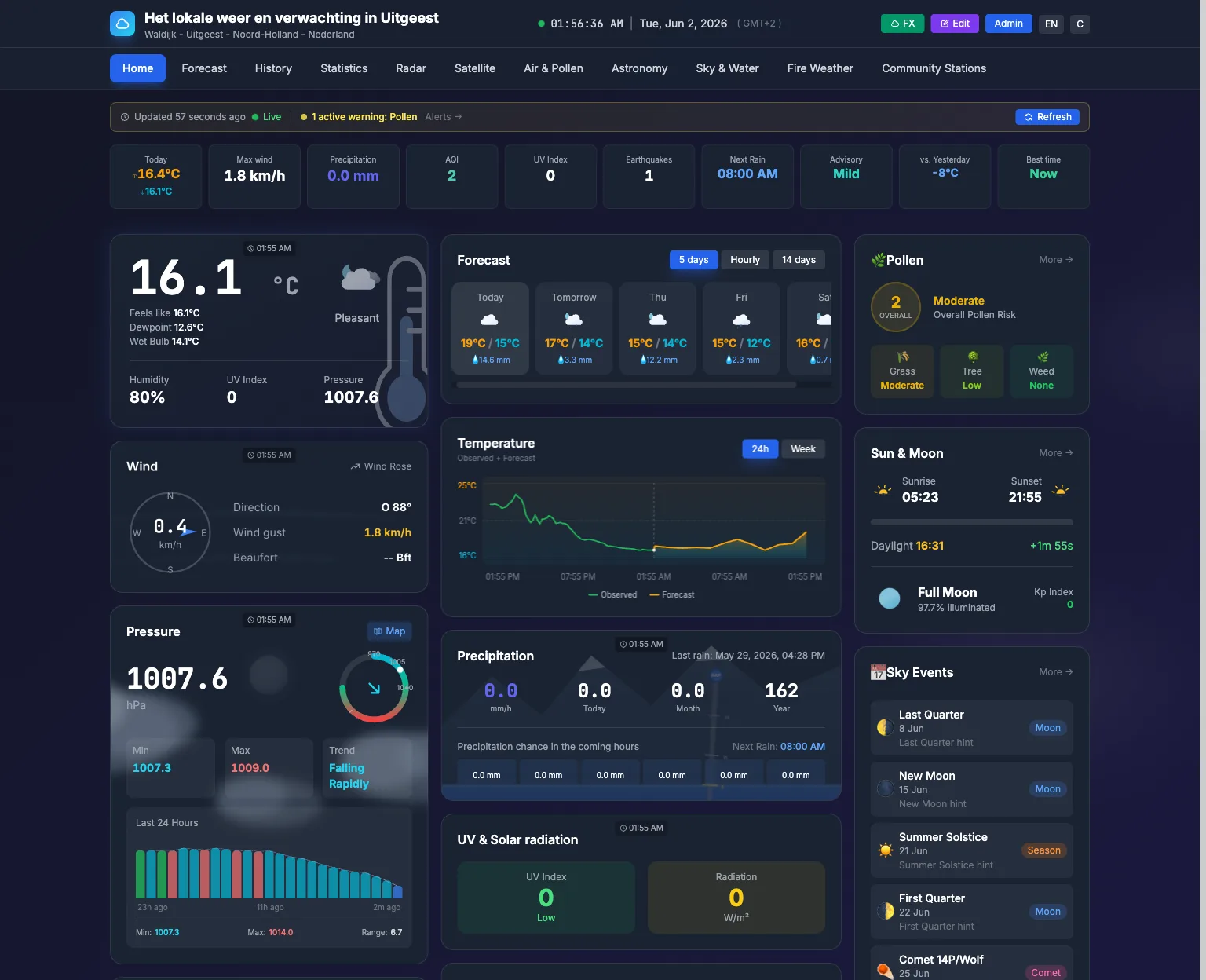
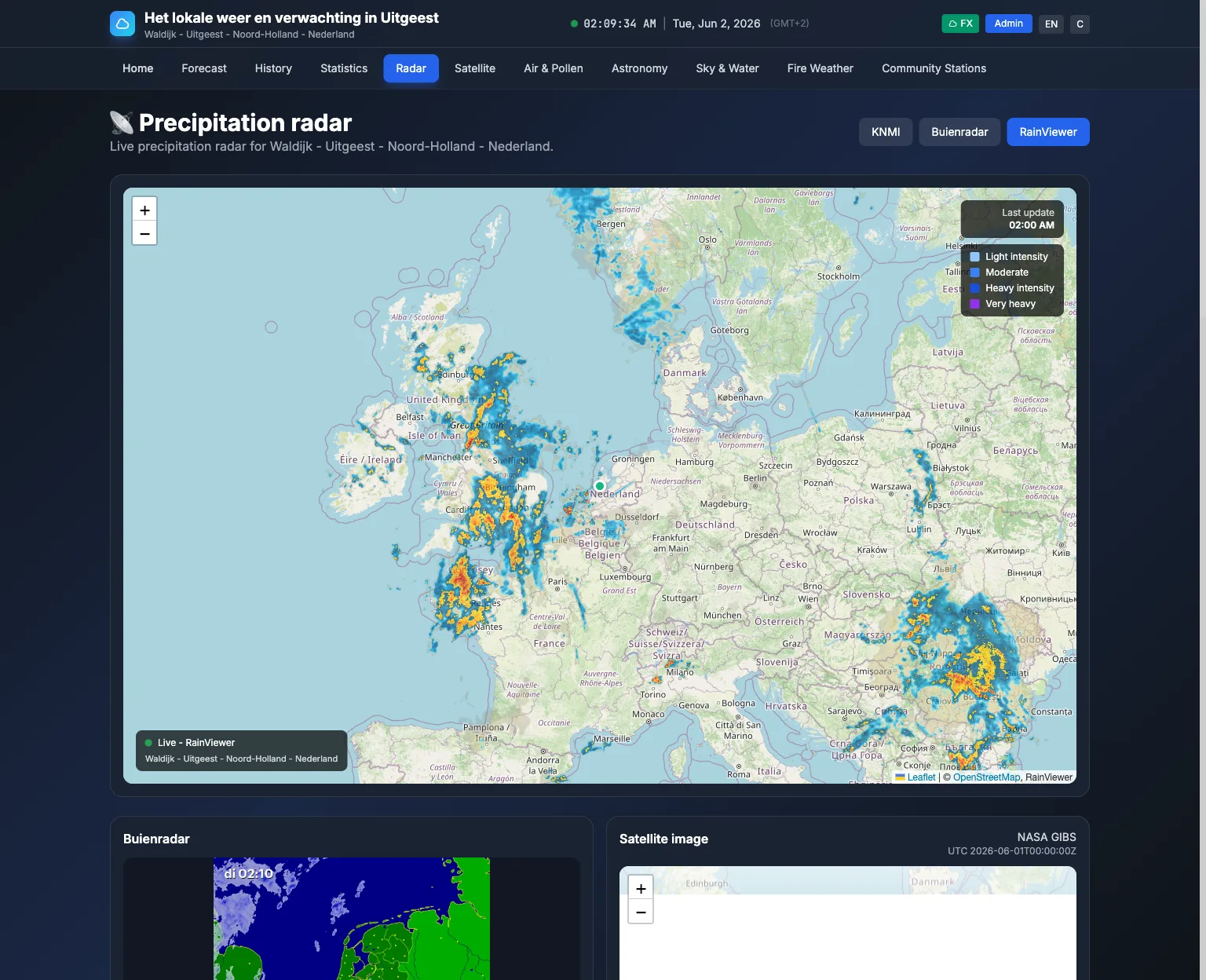
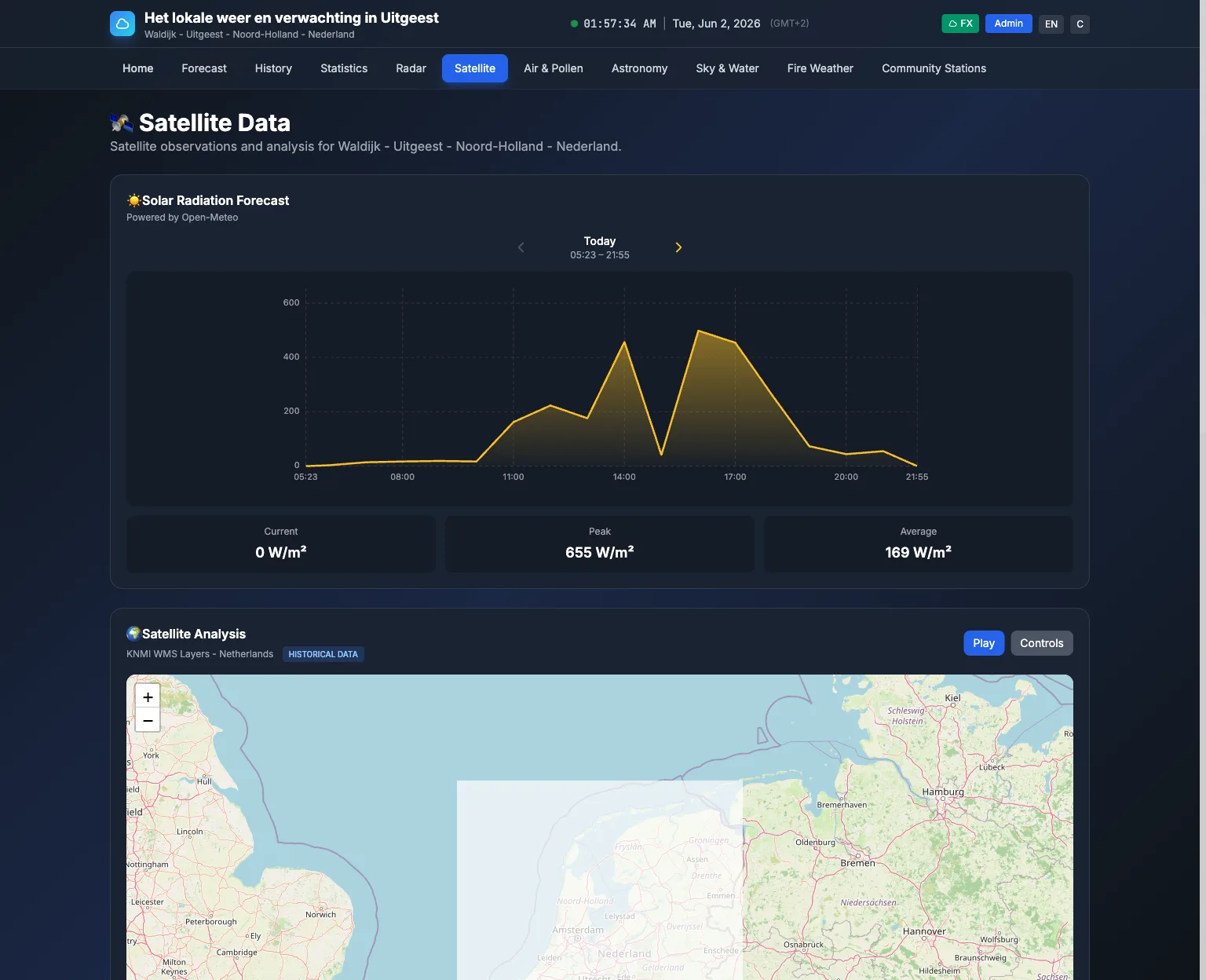
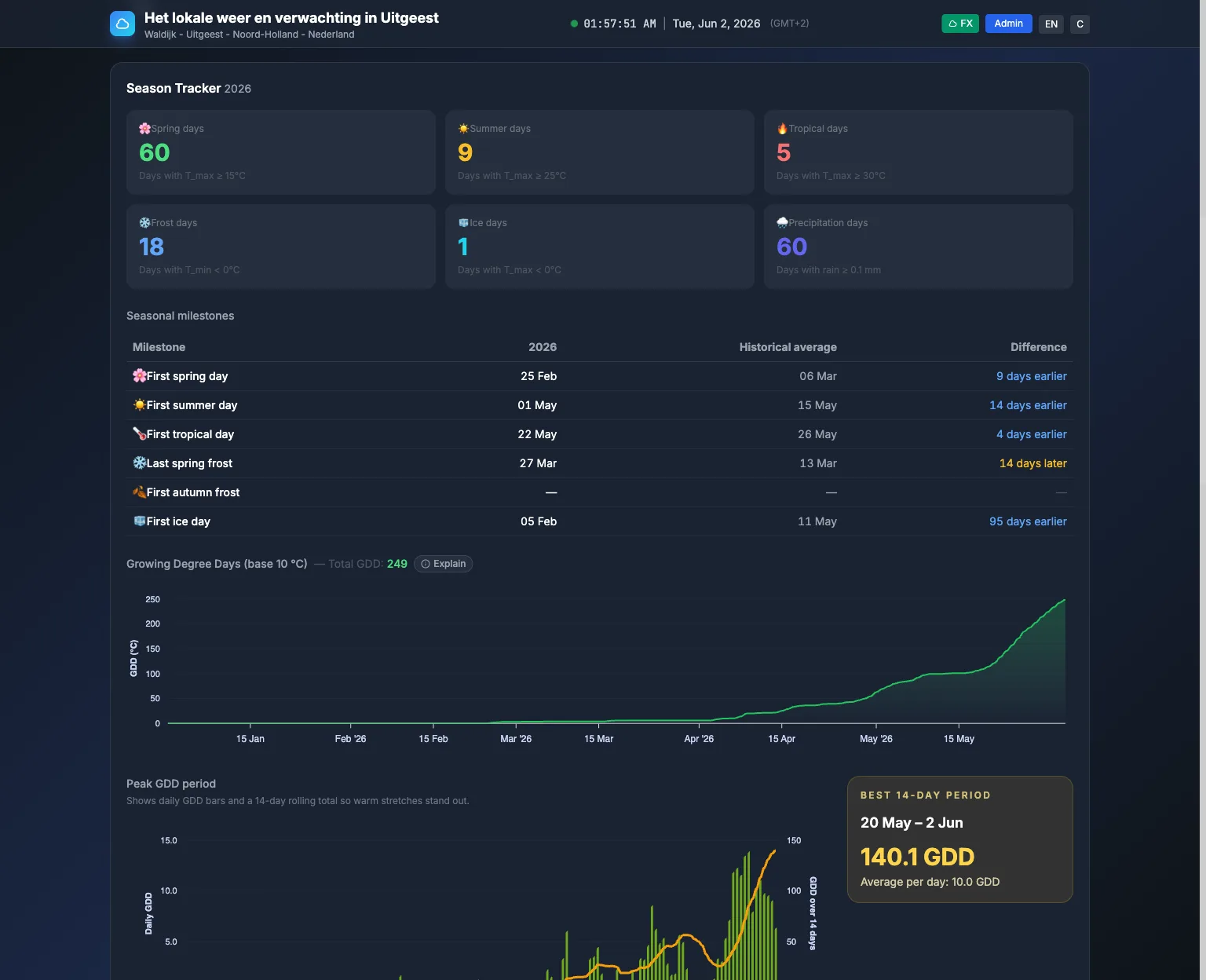
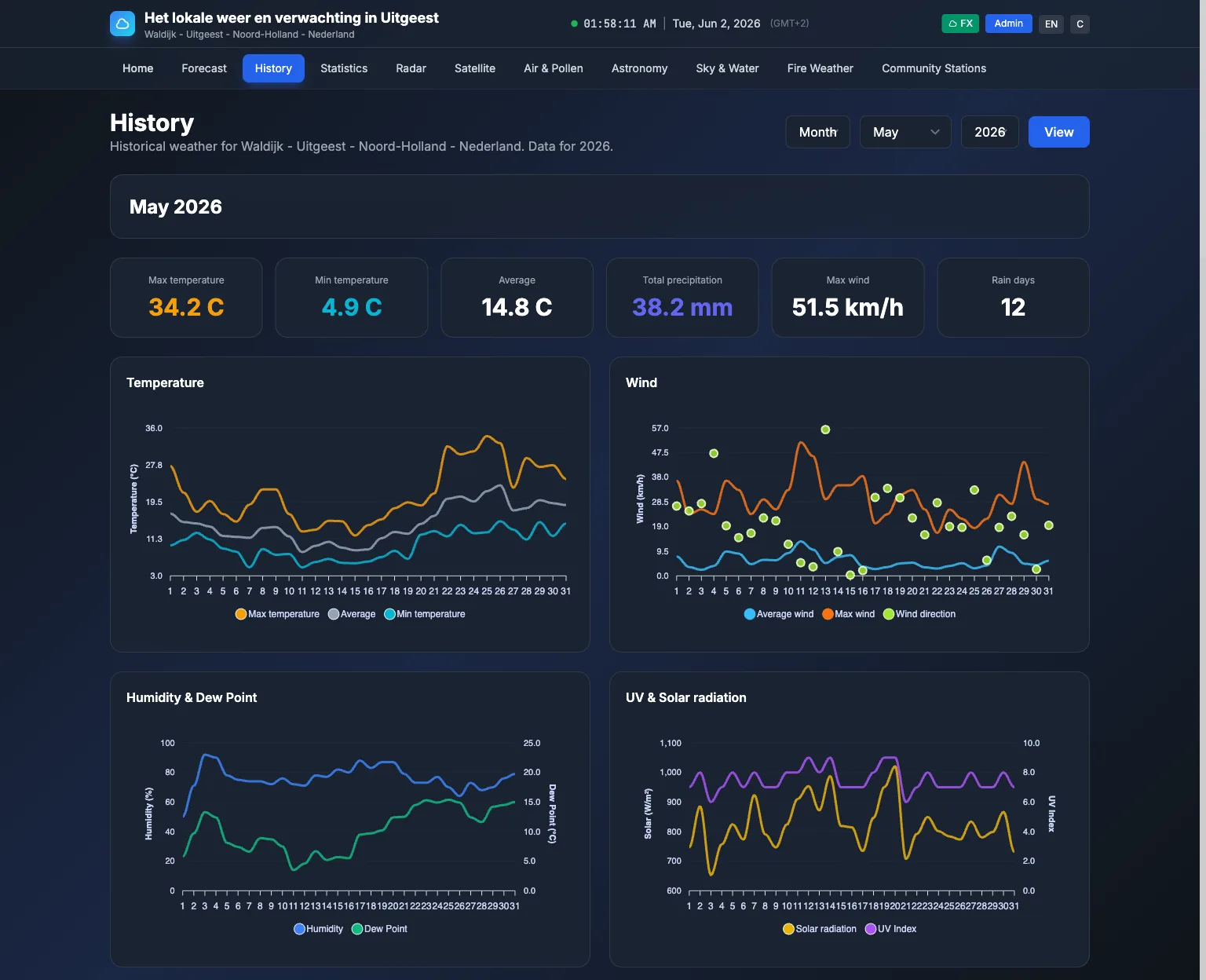
See it in action
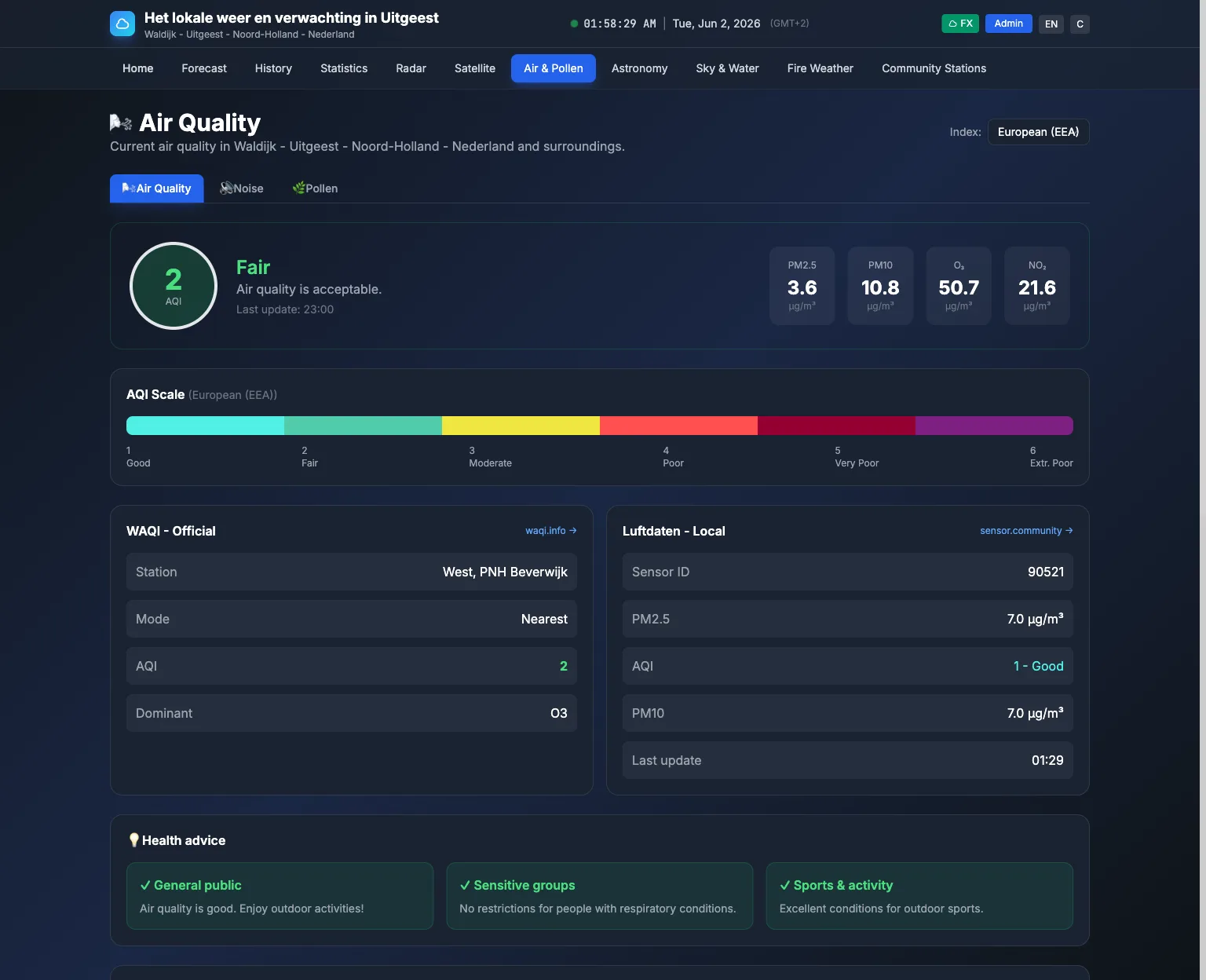
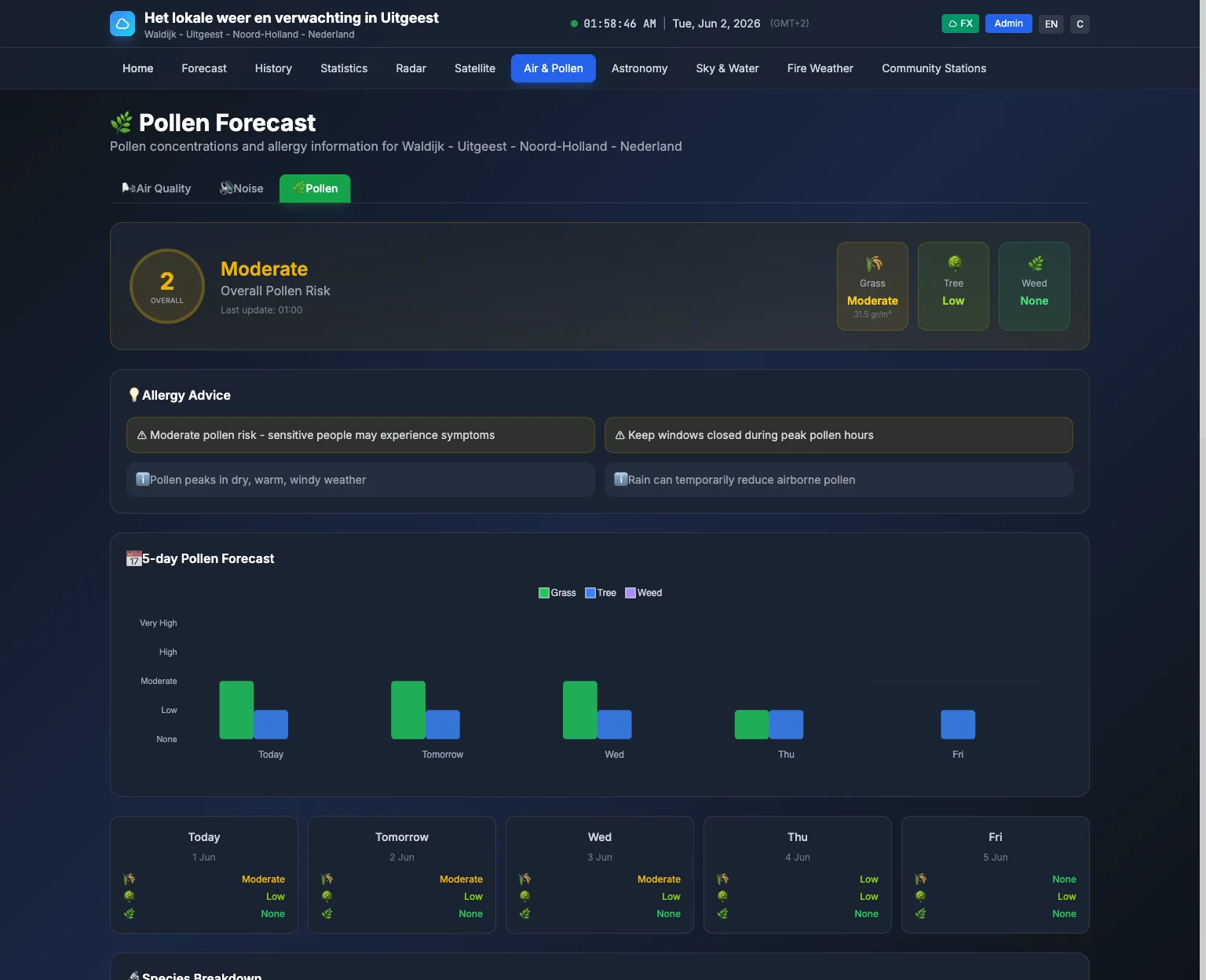
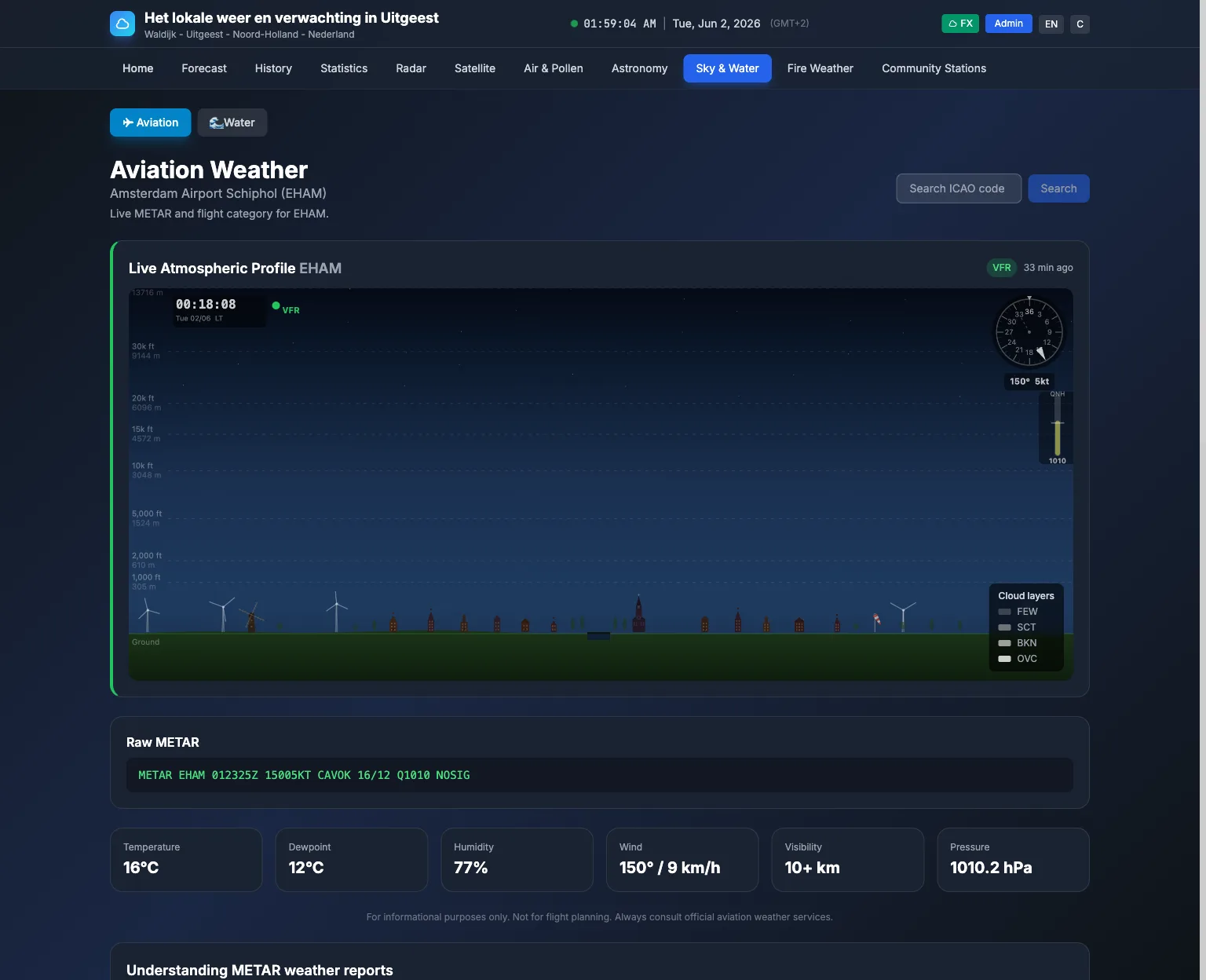
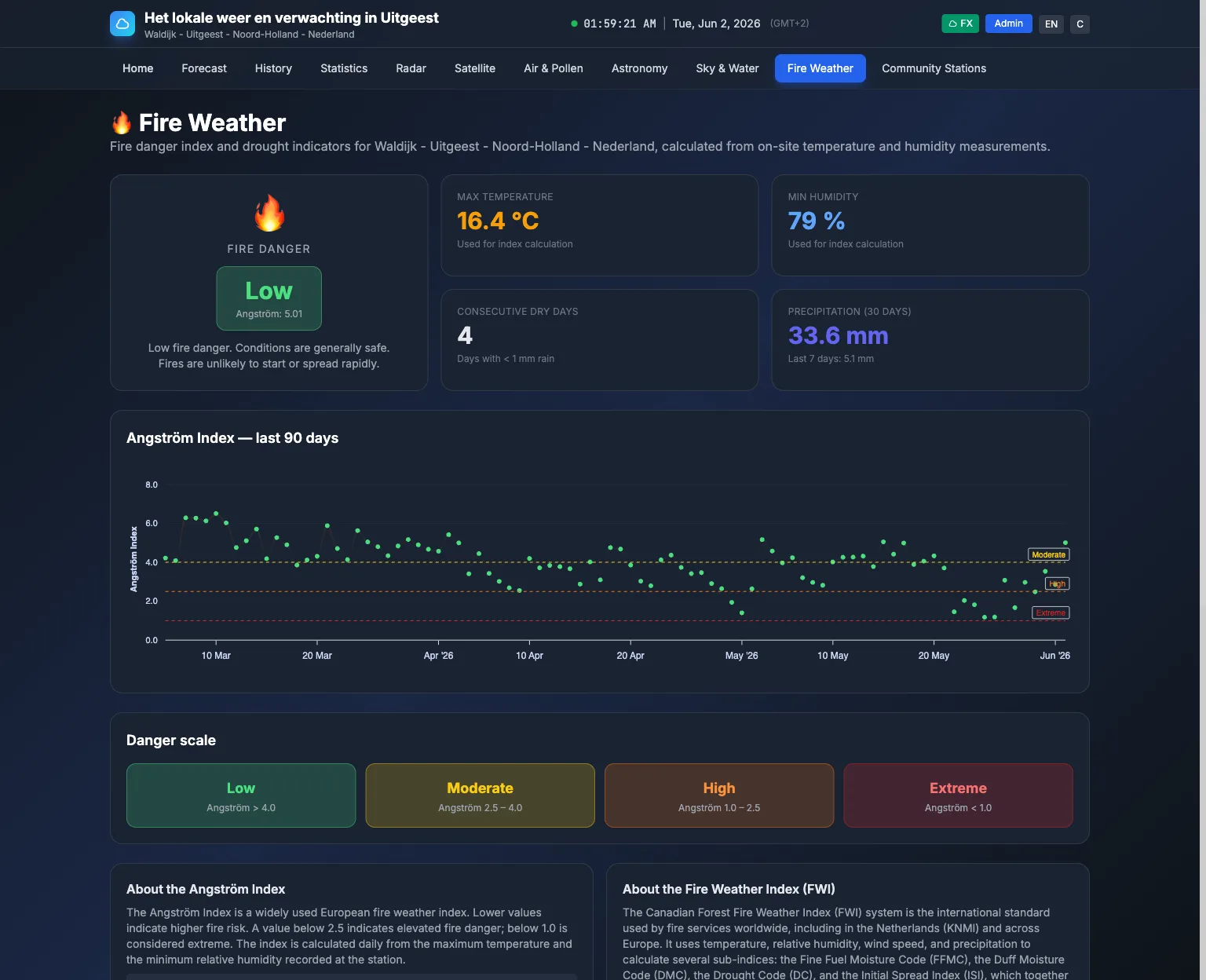
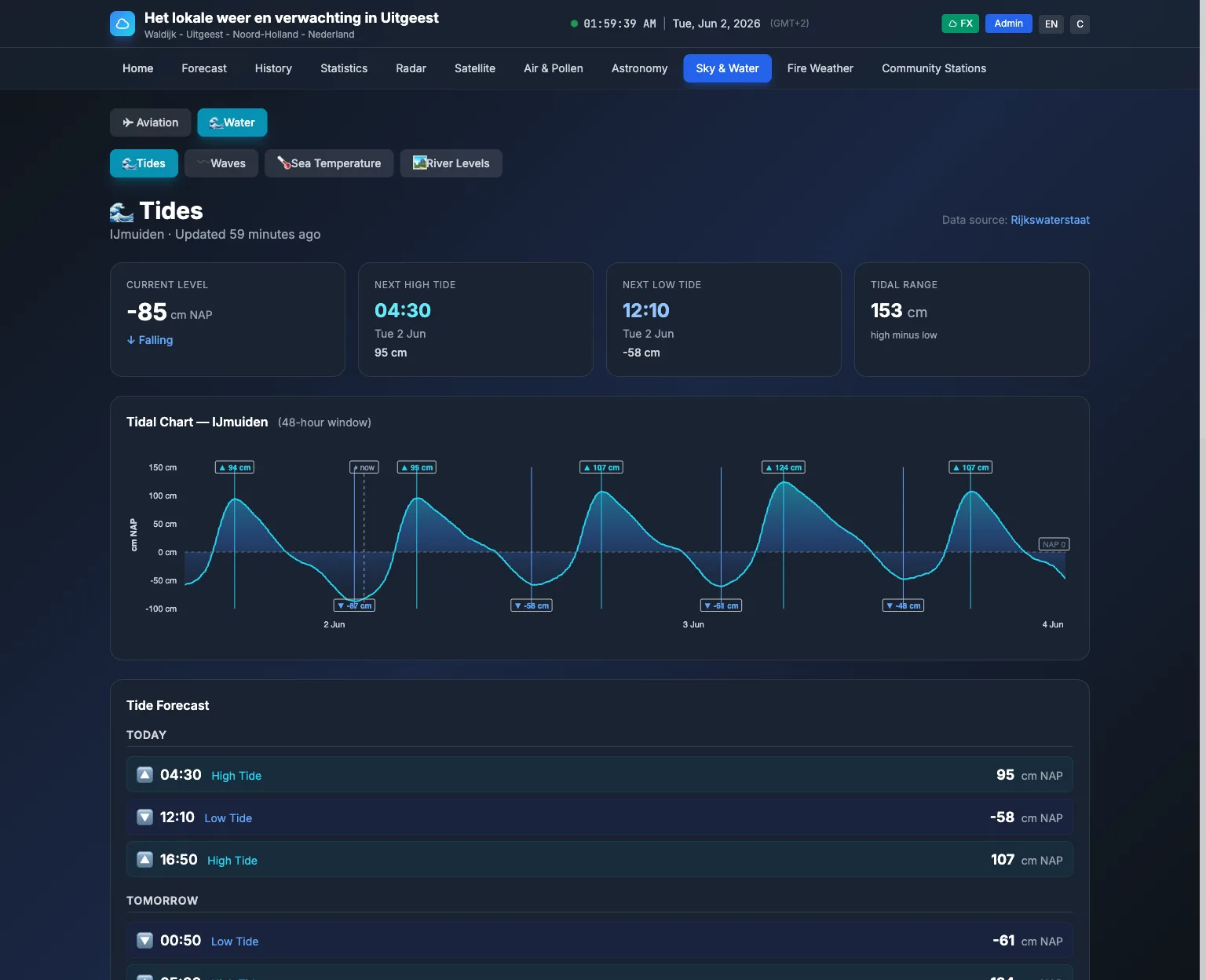
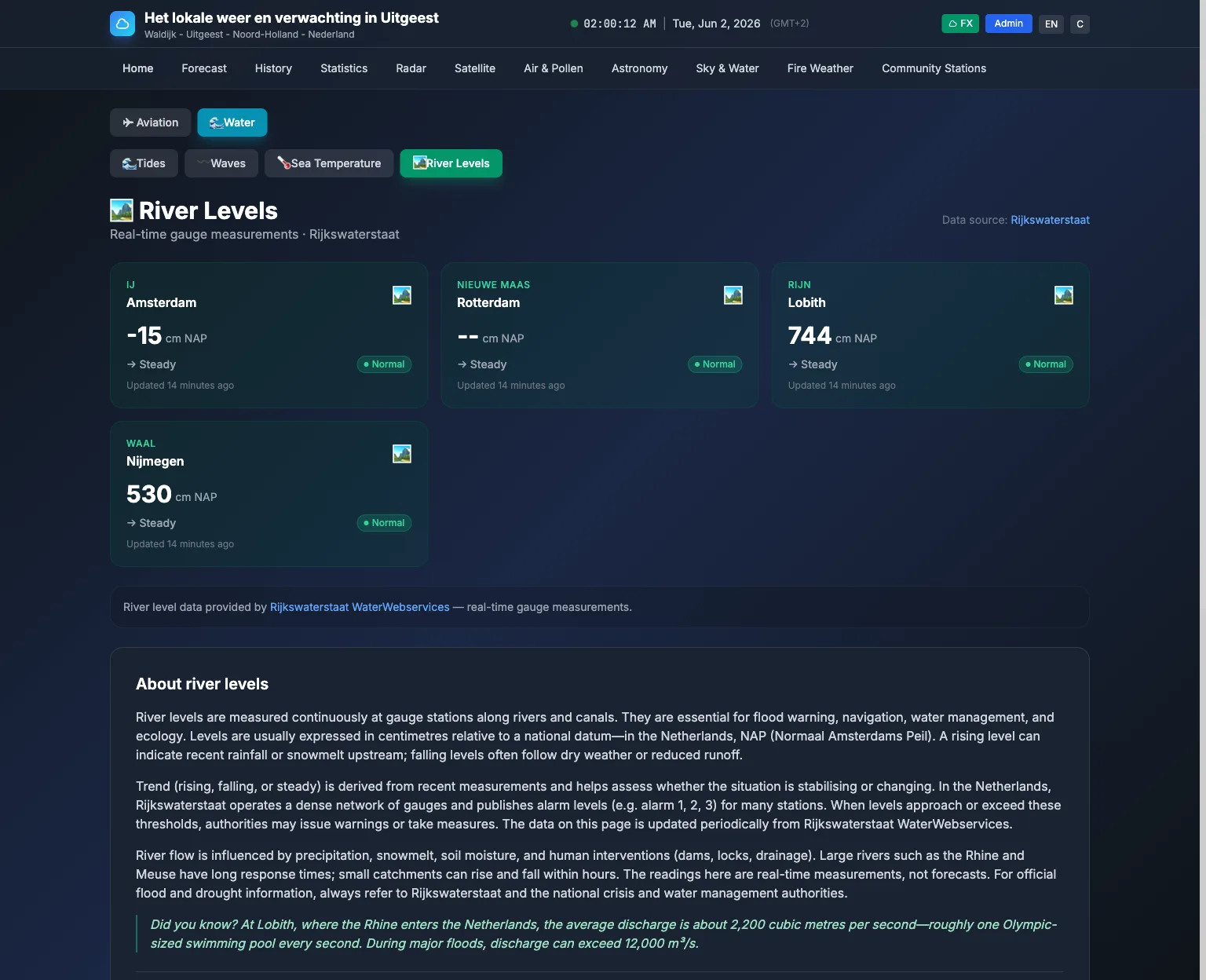
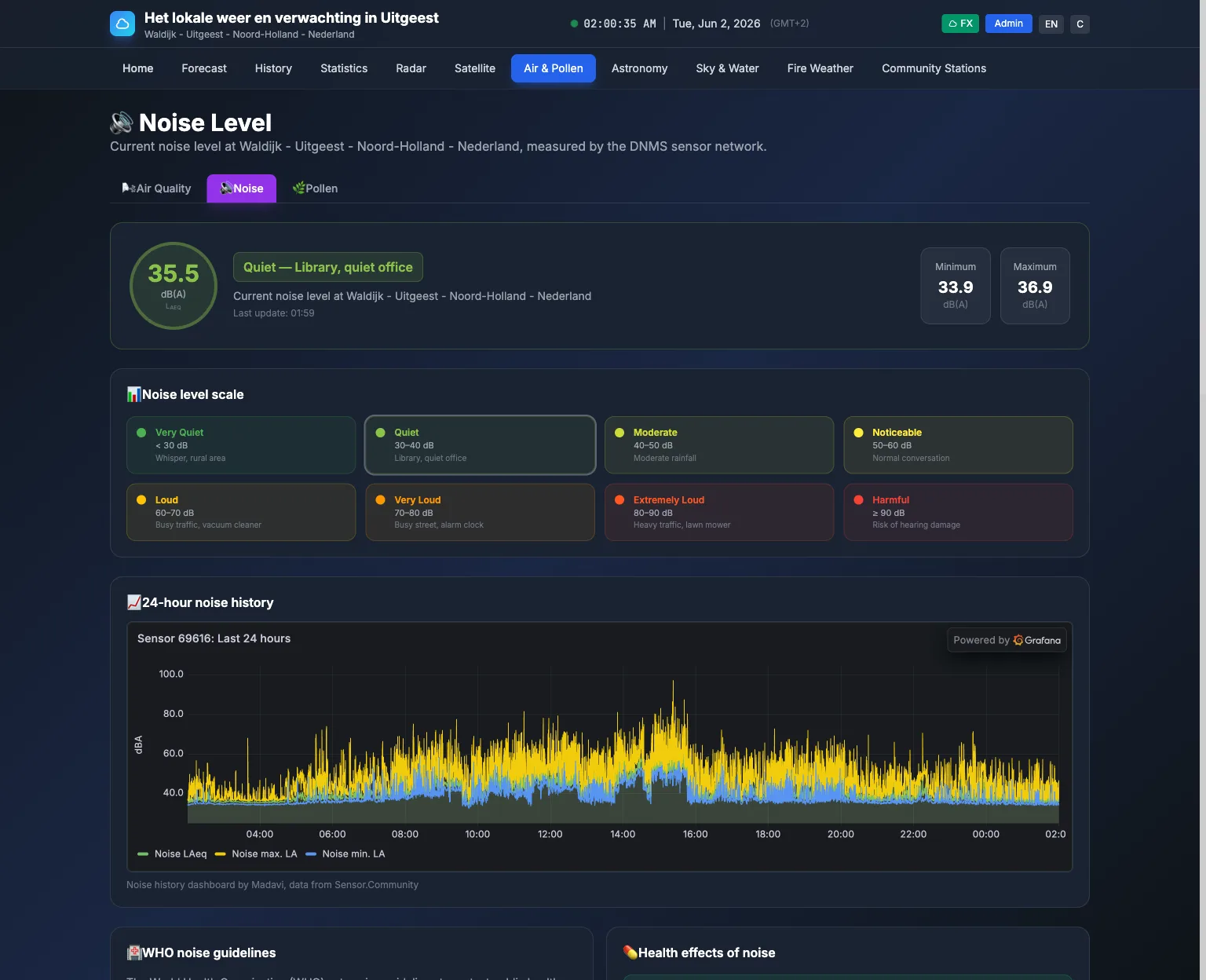
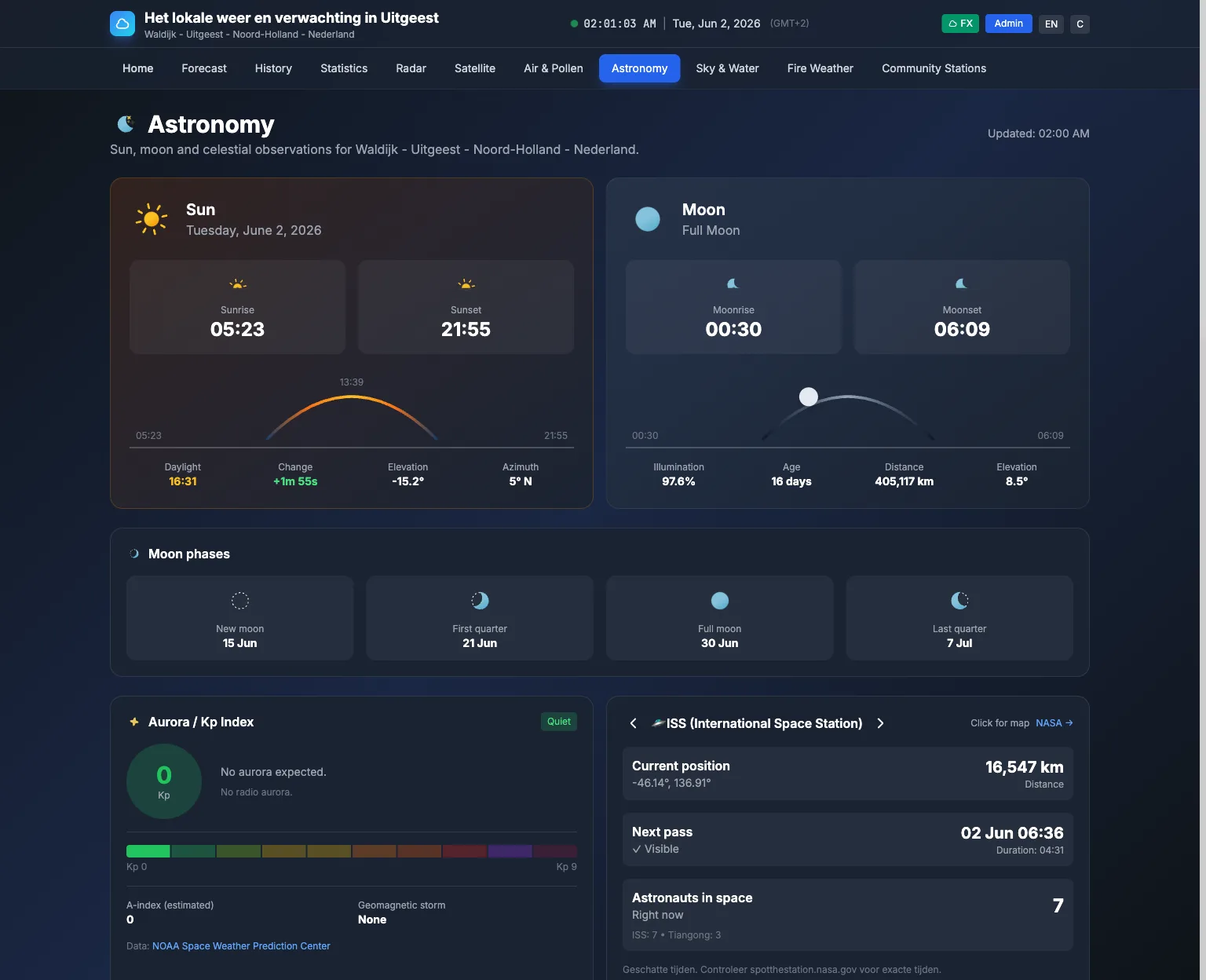
Why open source?
- You own your data — Run it on your server; no vendor lock-in.
- Transparent and auditable — See how data is fetched, cached, and displayed.
- Extensible — Add providers, widgets, and locales via a clear service layer.
- Community-friendly — AGPL-3.0; use, modify, and share.
What makes it different
Speed
Cache-first: dashboard reads only from cache. No API calls on page load — ~10ms response instead of 5+ seconds.
Reliability
Health checks and self-healing: missing cache is detected and refetched automatically. Sensor/API staleness triggers OFFLINE badges and optional email alerts.
Scope
One app: live station, 14-day forecast, air quality, astronomy (sun/moon/aurora/ISS), rain radar, satellite, earthquakes, lightning, aviation METAR, and worldwide weather alerts (Meteoalarm, NWS, Environment Canada, Met Office, BOM).
Flexibility
FX (rich effects) or Flat theme, drag-and-drop widgets, configurable data sources, multi-language and multi-unit (metric/imperial/UK/Scandinavia).
Features at a glance
Local weather devices
- Connect your local weather station or device (Ecowitt and other Fine Offset brands, Davis WeatherLink, WeatherFlow Tempest, Ambient Weather, Netatmo, or a local file/API) for real-time temperature, humidity, wind, rain, and pressure
- More than 70 other stations through WeeWX, such as AcuRite, LaCrosse, Oregon Scientific and Davis consoles on USB. WeeWX pushes its readings to WeatherNode about once a minute. See the WeeWX guide
- Ecowitt and compatible stations: push from the console, the Ecowitt cloud, or a local file. Find my stations fills in your station, gaps after an outage are filled from the Ecowitt cloud, and the WS90 piezo rain gauge, extra sensor channels and newer sensors are all stored
- Auto-refresh every 60s; UI updates only when data changes
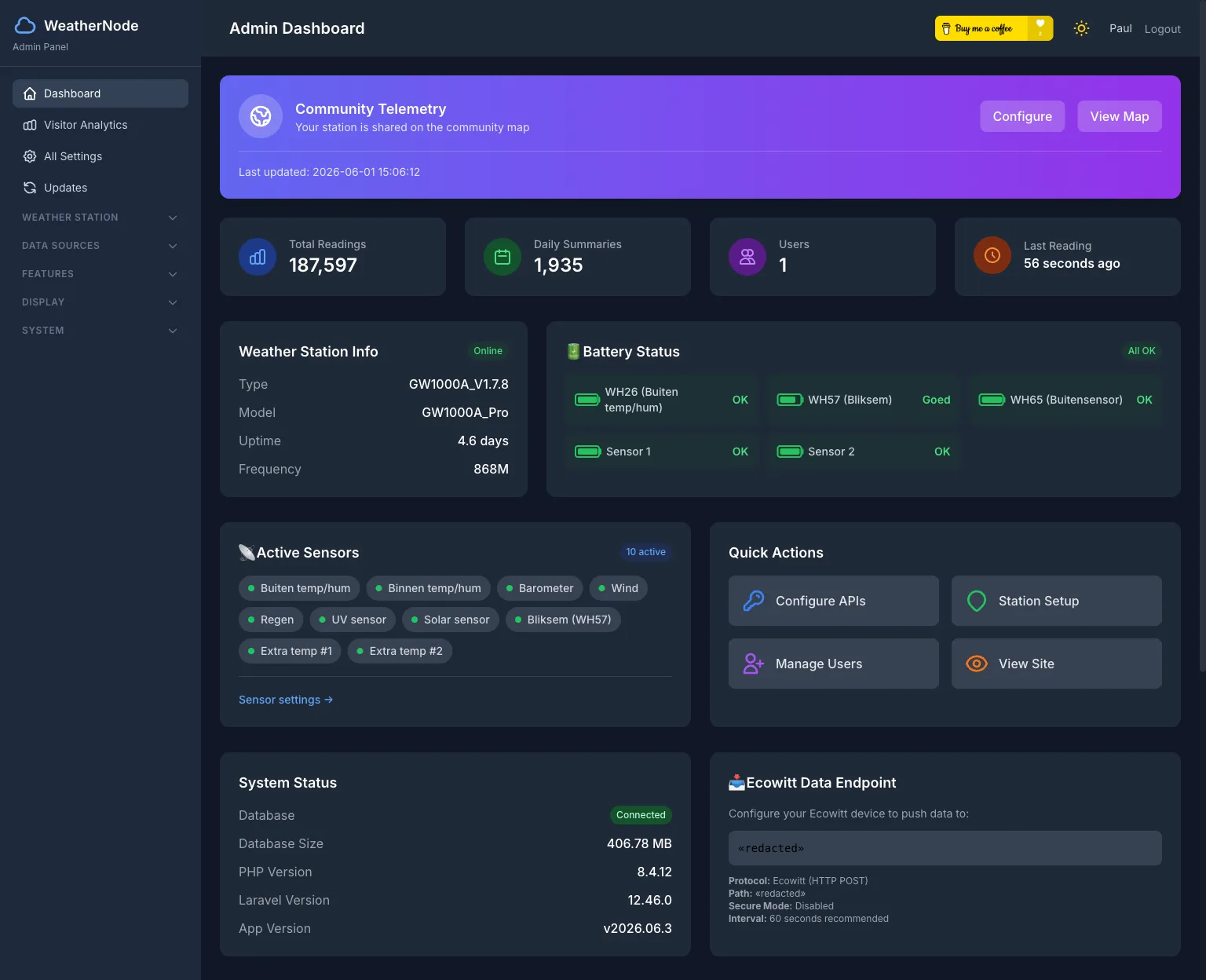
- Sensor health monitoring and optional email alerts when the station stops sending data
External data (all optional)
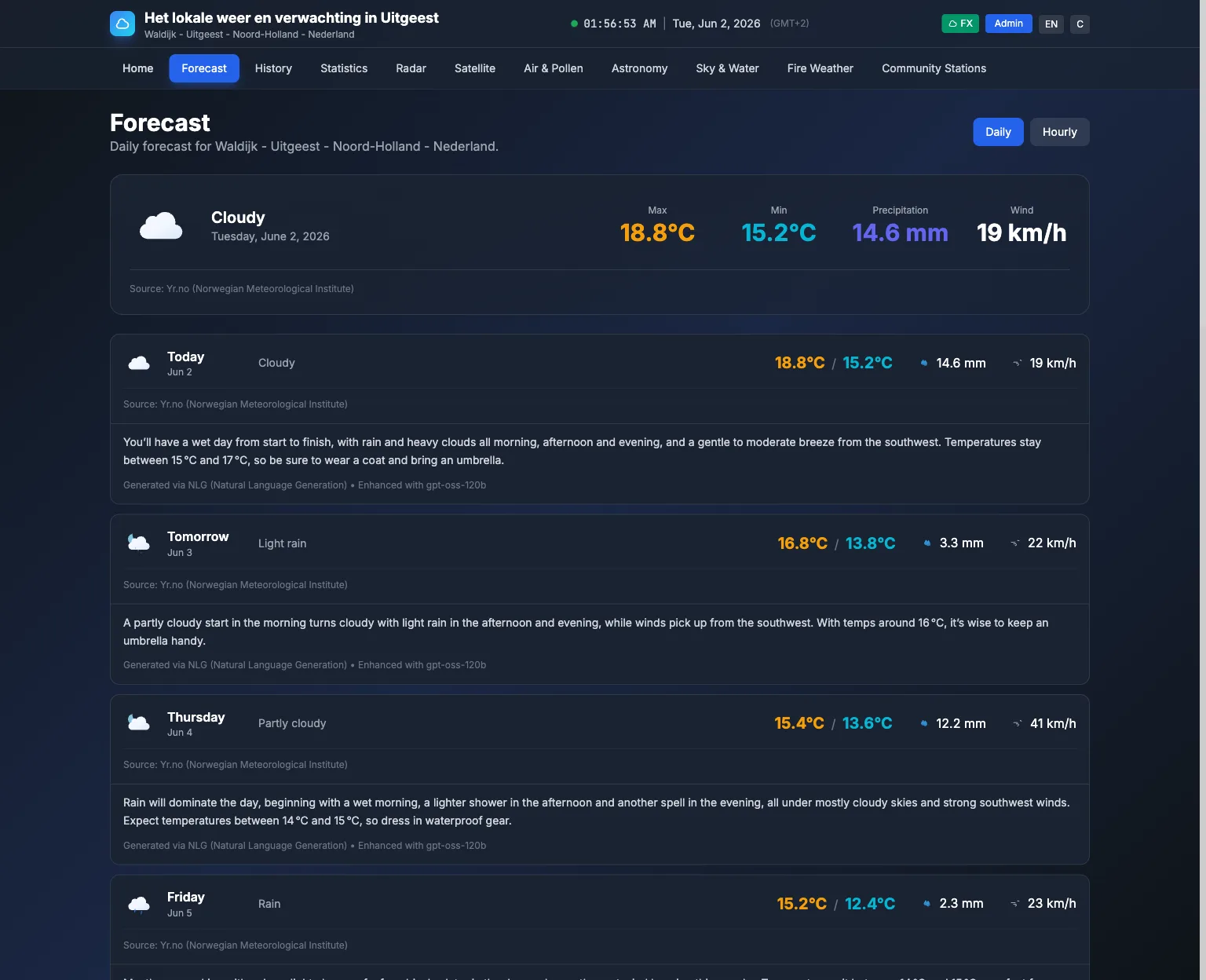
- Forecasts — 14-day + hourly (Yr.no)
- Air quality — WAQI and/or Luftdaten/Sensor.Community
- Astronomy — Sun/moon times, phases, aurora Kp-index, ISS/Tiangong passes, sky events
- Alerts — Meteoalarm (EU), NWS (US), Environment Canada, Met Office (UK), BOM (Australia)
- Radar, satellite, aviation METAR, earthquakes, lightning
Experience
- Weather-based effects (rain, snow, lightning, fog) and optional Flat theme
- Smart polling, per-card timestamps, OFFLINE badges with age in minutes
- Drag-and-drop layout, mobile-responsive, dynamic sitemap and SEO-friendly error pages
Admin and aggregator
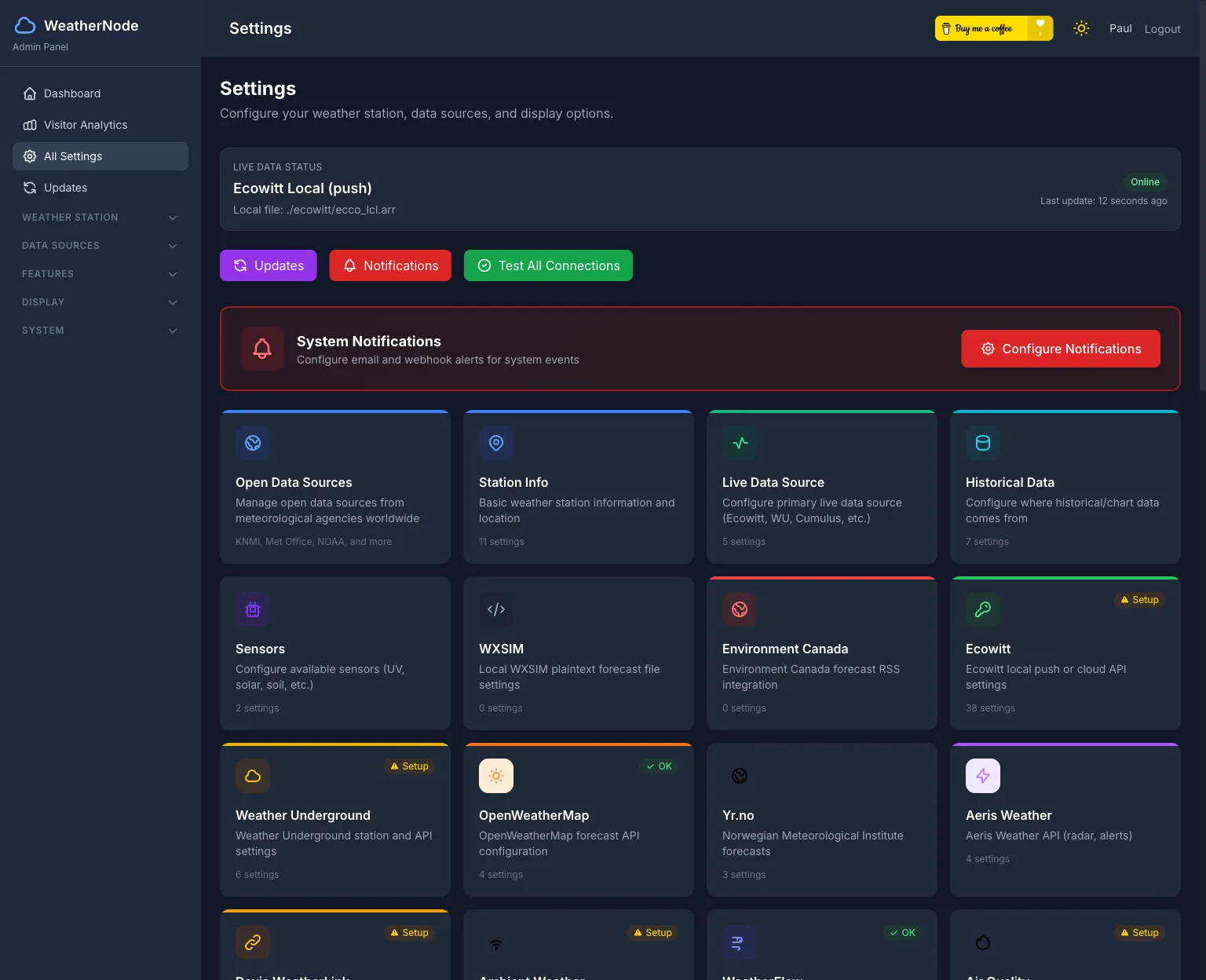
- Enable/disable widgets, set theme, configure all data sources and API keys (masked in UI)
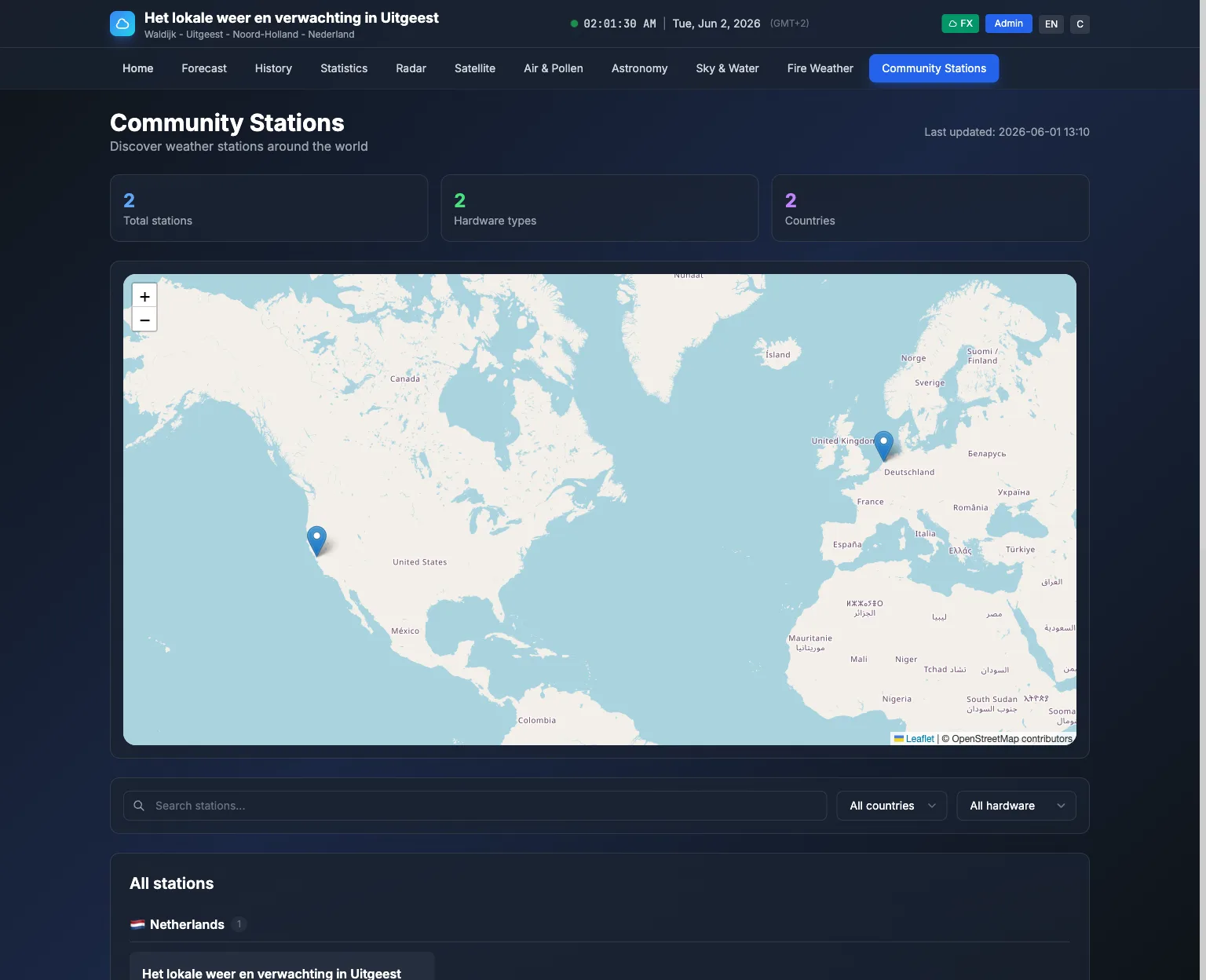
- Community telemetry — In Admin → Settings → Community Telemetry you can enable telemetry and set the aggregator URL (and optional API key); your station then appears on the community map. The telemetry aggregator is part of this project and can be hosted alongside this site.
- Visitor analytics, user management, in-app updates (browser-based or manual)
Public API
- REST API for integrations and automation: dashboard, current conditions, today summary, 14-day forecast, astronomy, air quality, METAR, history, sensors
- Data endpoints: earthquakes, weather alerts. All dashboard data is cache-first for fast responses.
Tech stack
- PHP 8.2+
- Laravel 12
- SQLite / MySQL
- Blade, Tailwind CSS, Alpine.js
- Basmilius Weather Icons
Quick start
Four ways to install. Pick the one that fits your host:
On a fresh install, create the first administrator by visiting /admin — the login page links to one-time setup at /setup/admin while no users exist. Optionally, run php artisan admin:create from the command line instead.
1. Prebuilt ZIP — fastest, no build tools. Composer dependencies and compiled assets are bundled, so you need neither Composer nor Node.js. Ideal for shared hosting.
curl -L -o weathernode-deploy.zip \
  https://github.com/centauri/WeatherNode/releases/latest/download/weathernode-deploy.zip
unzip weathernode-deploy.zip -d weathernode && cd weathernode
curl -L -o .env https://raw.githubusercontent.com/centauri/WeatherNode/main/.env.example
php artisan key:generate
# edit .env: set APP_URL and your database
php artisan migrate && php artisan db:seed
Point your web server's document root at the public/ folder, open your site, and go to /admin to complete first-time setup. Or run php artisan admin:create before signing in.
2. From source (Git) — build it yourself. Requires Composer and Node.js.
git clone https://github.com/centauri/WeatherNode.git
cd WeatherNode
composer install && npm install
cp .env.example .env && php artisan key:generate
php artisan migrate && php artisan db:seed
npm run build && php artisan serve
Open your site and go to /admin to complete first-time setup, then sign in. Or run php artisan admin:create before visiting /admin.
3. Docker Compose. The docker-compose.yml pulls the prebuilt image from the GitHub Container Registry (ghcr.io/centauri/weathernode) and runs the app with a scheduler next to it. Download just that file:
mkdir weathernode && cd weathernode
curl -L -o docker-compose.yml \
  https://raw.githubusercontent.com/centauri/WeatherNode/main/docker-compose.yml
# In docker-compose.yml set APP_URL.
# APP_KEY is generated on first start and kept in the storage volume.
docker compose up -d
Optional: set ADMIN_EMAIL and ADMIN_PASSWORD in docker-compose.yml for first-run admin creation. To run everything in one container, set DOCKER_RUN_SCHEDULER=true and remove the scheduler service. Working from a clone of the repository? make docker-up does the same.
4. Unraid. Install WeatherNode from Community Applications. Set APP_URL to the address you open it on, for example http://192.168.1.10:10130. The template runs the scheduler inside the container and keeps the storage and database in /mnt/user/appdata/weathernode.
Choosing a hosting layout — and whether one-click in-app updates will work — is covered in HOSTING.md. For full setup, deployment, and options see the WeatherNode repository on GitHub.
Open data and community
- Open data framework — Pluggable providers (e.g. KNMI); admin UI to enable/disable and suggest new agencies.
- Community stations — Optional telemetry to a central aggregator;
/community-stationsshows stations on a map. Enable in Admin → Settings → Community Telemetry; the aggregator is hosted alongside this marketing site so the map stays up to date.
Frequently asked questions
Can I self-host a weather dashboard for my Ecowitt station?
Yes. WeatherNode is an open source, self-hosted weather dashboard that reads live data straight from your Ecowitt station, by push from the console, the Ecowitt cloud or a local file, and runs entirely on your own server. It also works with WeatherFlow, Davis WeatherLink, Ambient Weather, Netatmo and Weather Underground.
Which weather stations does WeatherNode support?
WeatherNode works with Ecowitt and other Fine Offset brands, WeatherFlow, WeatherLink (Davis), Ambient Weather, Netatmo, and Weather Underground, plus local file sources. There is also an optional secure push mode for Ecowitt receivers. More than 70 other station models work through WeeWX. WeeWX, Meteobridge and many consoles can also push readings in the Weather Underground upload format.
My station is a Froggit, Sainlogic or Misol. Does it work?
Very likely. Ecowitt stations are made by Fine Offset, which also sells them under other names, such as Froggit, Sainlogic, Misol, Aercus, ELV, Pantech and Steinberg Systems. If your console or gateway works with the WS View Plus or Ecowitt app, or has a Customized upload, set it up as an Ecowitt station. Ambient Weather stations are Fine Offset too and can use the Ambient Weather cloud or the same Customized upload.
I don't have a weather station. Can I still use WeatherNode?
Yes. WeatherNode can read a public Netatmo station near you. Mark it as favorite on the Netatmo weather map, connect your free Netatmo account, and pick the station. Public stations share outdoor readings: temperature, humidity, pressure, and wind and rain when they have those sensors. See the Netatmo guide.
My station is not on the list. Can I still use it?
Probably. WeeWX is free software that runs on a small computer next to your station, such as a Raspberry Pi. It reads more than 70 station models, including AcuRite, Davis, LaCrosse, Oregon Scientific, Peet Bros, RainWise and Vaisala. WeeWX can push its readings to WeatherNode about once a minute, or WeatherNode can read the file that WeeWX writes. Follow the WeeWX guide to set it up.
What do I need to run it, and where can I host it?
WeatherNode needs PHP 8.2 or newer and SQLite or MySQL. You can host it on a VPS, on shared hosting (a prebuilt package means no Node.js is required on the server), or with Docker.
Can I run WeatherNode in Docker?
Yes. An official image is published on the GitHub Container Registry (ghcr.io/centauri/weathernode). The docker-compose.yml runs it with a scheduler and runs database migrations automatically on first start. On Unraid, install it from Community Applications.
Is WeatherNode free and open source?
Yes. WeatherNode is open source under the GNU AGPL v3 licence — free to run, modify, and share.
Does the dashboard keep working if a weather API goes down?
Yes. WeatherNode is cache-first: it refreshes data in the background and serves public pages from cache, so the dashboard loads fast and stays usable even during API outages.
What weather data can it show besides my own station?
Alongside your live station, WeatherNode can show forecasts (Yr.no, OpenWeatherMap, Weather Underground, Environment Canada, Wxsim), regional weather alerts, air quality (WAQI and Sensor.Community), astronomy, aurora and ISS passes, earthquakes, lightning, and aviation METAR.
What pages and maps does WeatherNode include?
It includes radar and satellite pages, forecast, air quality, astronomy, earthquakes, lightning and pressure map pages, history and statistics pages, and a community stations map.
Does WeatherNode have an API?
Yes. WeatherNode provides a JSON REST API for integrations and automation. It is protected by API keys, which you manage in the admin panel at /admin/api-keys.
Can I customize how the dashboard looks?
Yes. There are two public themes (FX and Flat), four colour palettes (WeatherNode, Ocean, Forest and Solar Flare) in light and dark, drag-and-drop widget ordering in the admin panel, and optional visual effects such as rain, snow, wind, lightning, and fog.
Does WeatherNode support multiple languages and units?
Yes. The admin sets default language and units, with optional browser-based locale and region detection that falls back to the site defaults.
Do I have to share my station data or put it on a public map?
No. You run WeatherNode on your own server and keep ownership of your data. Community telemetry — which adds your station to a shared community map — is optional and turned off unless you enable it.
Can WeatherNode update itself?
Yes. WeatherNode has a built-in in-app updater with update previews, automatic backups, and rollback.
Does WeatherNode use AI?
Only if you want it to. A built-in forecast narrator generates short forecast text without AI; optional AI rephrasing of that text is available and is off by default.
Credits and license
License: GNU AGPL v3. See the project LICENSE.
Data: Yr.no, WAQI, Sensor.Community, NOAA SWPC, Meteoalarm, NWS, Environment Canada, Met Office, BOM, USGS, Open Notify, KNMI, and others (see project README).
Icons: Basmilius Weather Icons (MIT).
